What Is Match Cook In Air Fryer: Easy Guide For Beginners
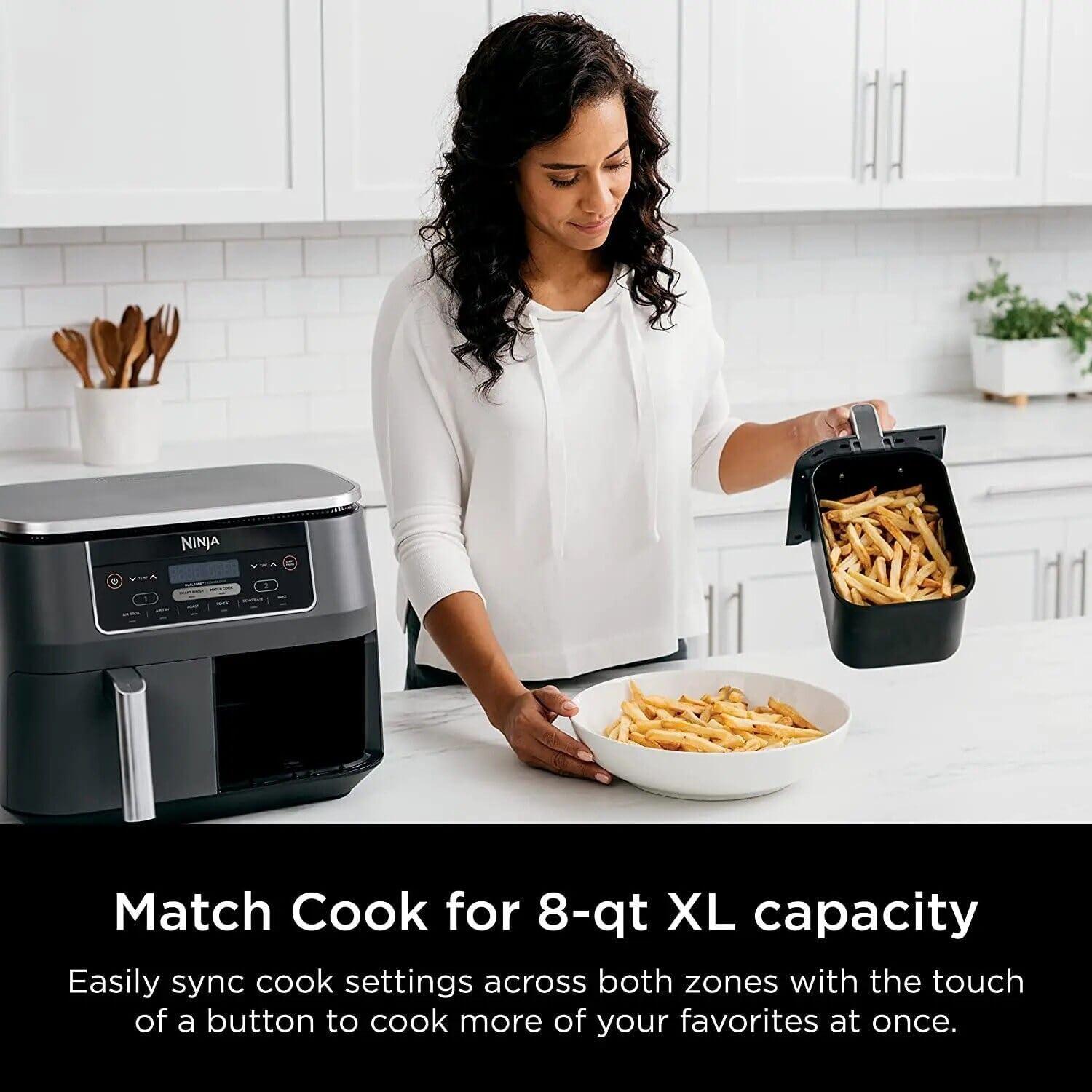
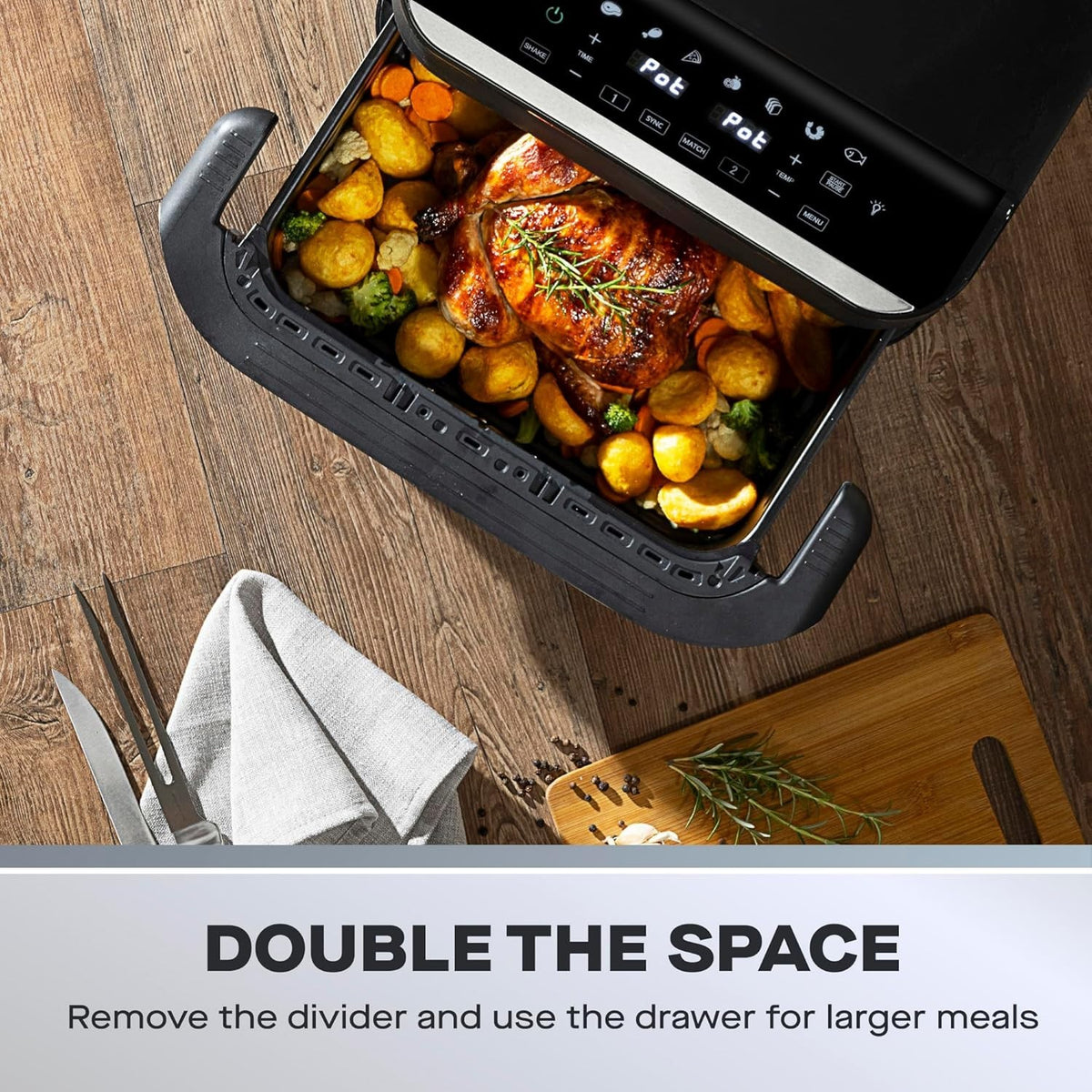
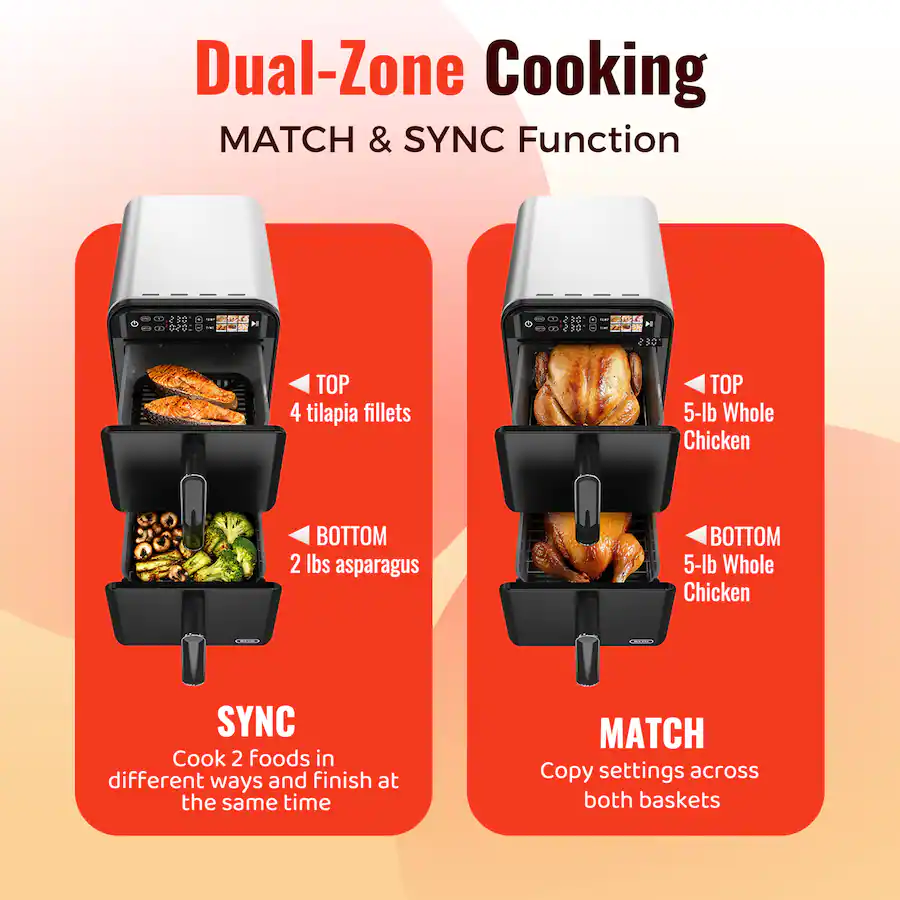
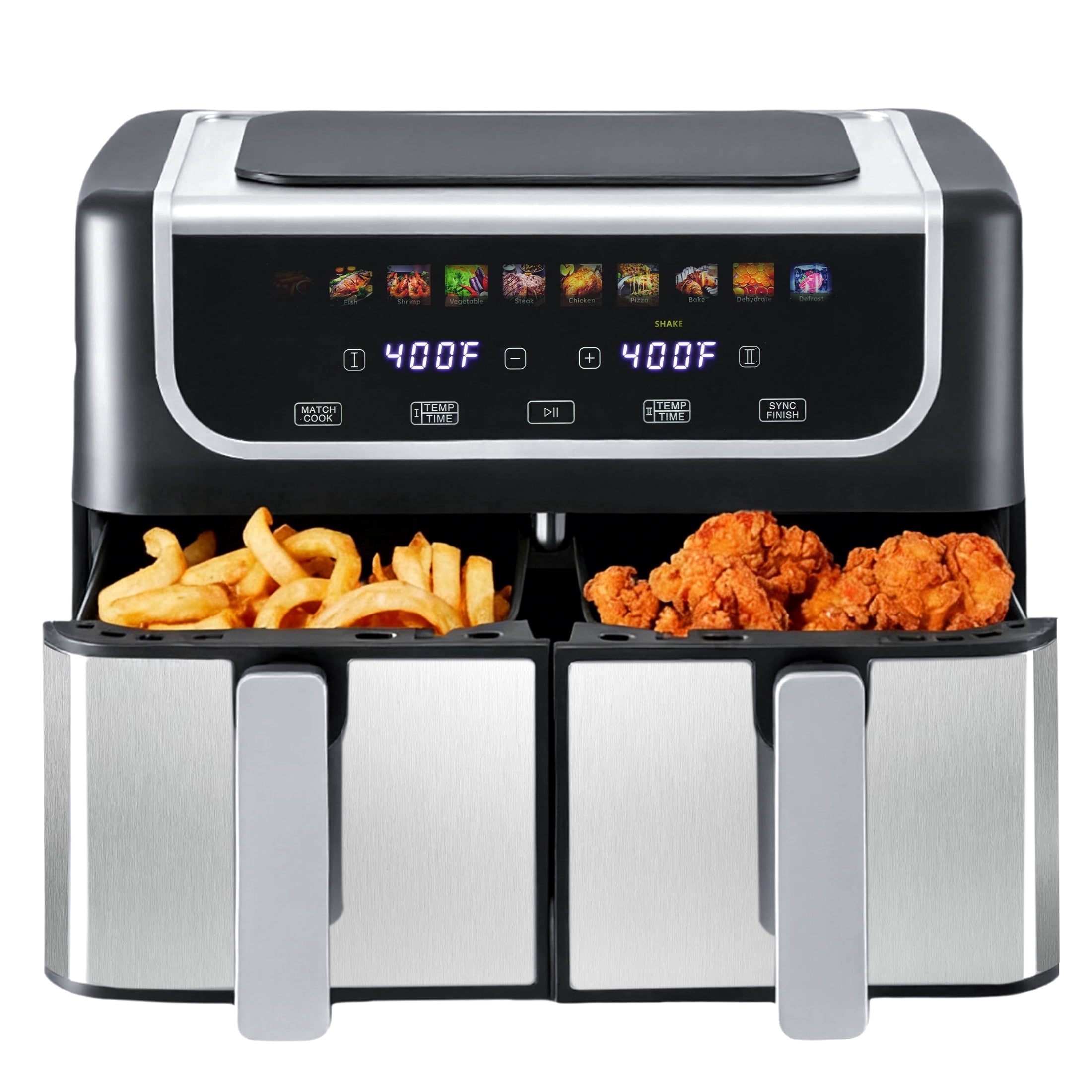
Match Cook is a setting on some dual-basket air fryers that copies the cooking time and temperature from one basket to the other. It lets both baskets cook with matching settings without entering the same information twice.
The feature is most common on Ninja Foodi DualZone air fryers sold in the United States. The exact button name and steps can vary by model, so check the owner’s manual for your air fryer before using it.

What Does Match Cook Mean?
Match Cook synchronizes the settings for both air fryer baskets. You set the cooking time and temperature for one zone, press Match Cook, and the air fryer applies those settings to the second zone.
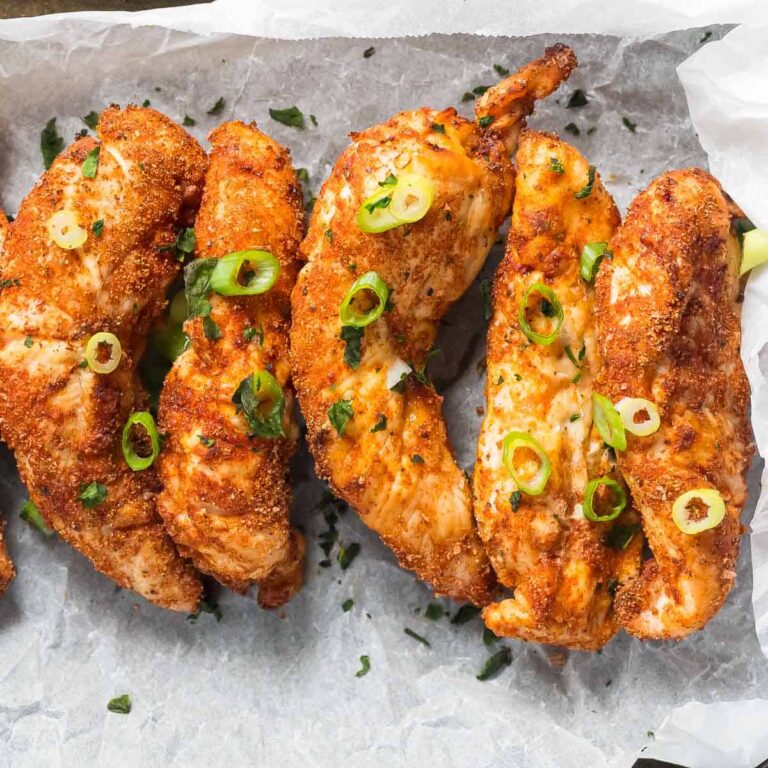
For example, suppose you want to cook chicken tenders at 400°F for 14 minutes. With Match Cook, you enter those settings once. Both baskets then cook at 400°F for 14 minutes.
Match Cook does not make both baskets cook different foods in different ways. It creates one shared cooking program for both zones.
Match Cook vs. Smart Finish
These two settings are easy to confuse.
| Feature | What it does | Best use |
|---|---|---|
| Match Cook | Uses the same temperature and time in both baskets | Cooking the same food or foods with similar needs |
| Smart Finish | Uses different settings but aims to finish both zones at the same time | Cooking foods with different temperatures or cooking times |
| Single-zone cooking | Uses only one basket | Cooking a small amount of food |
Smart Finish may be called Sync or use different wording on another brand. The purpose is similar: the baskets use separate programs but finish together.

How to Use Match Cook on a Dual-Basket Air Fryer
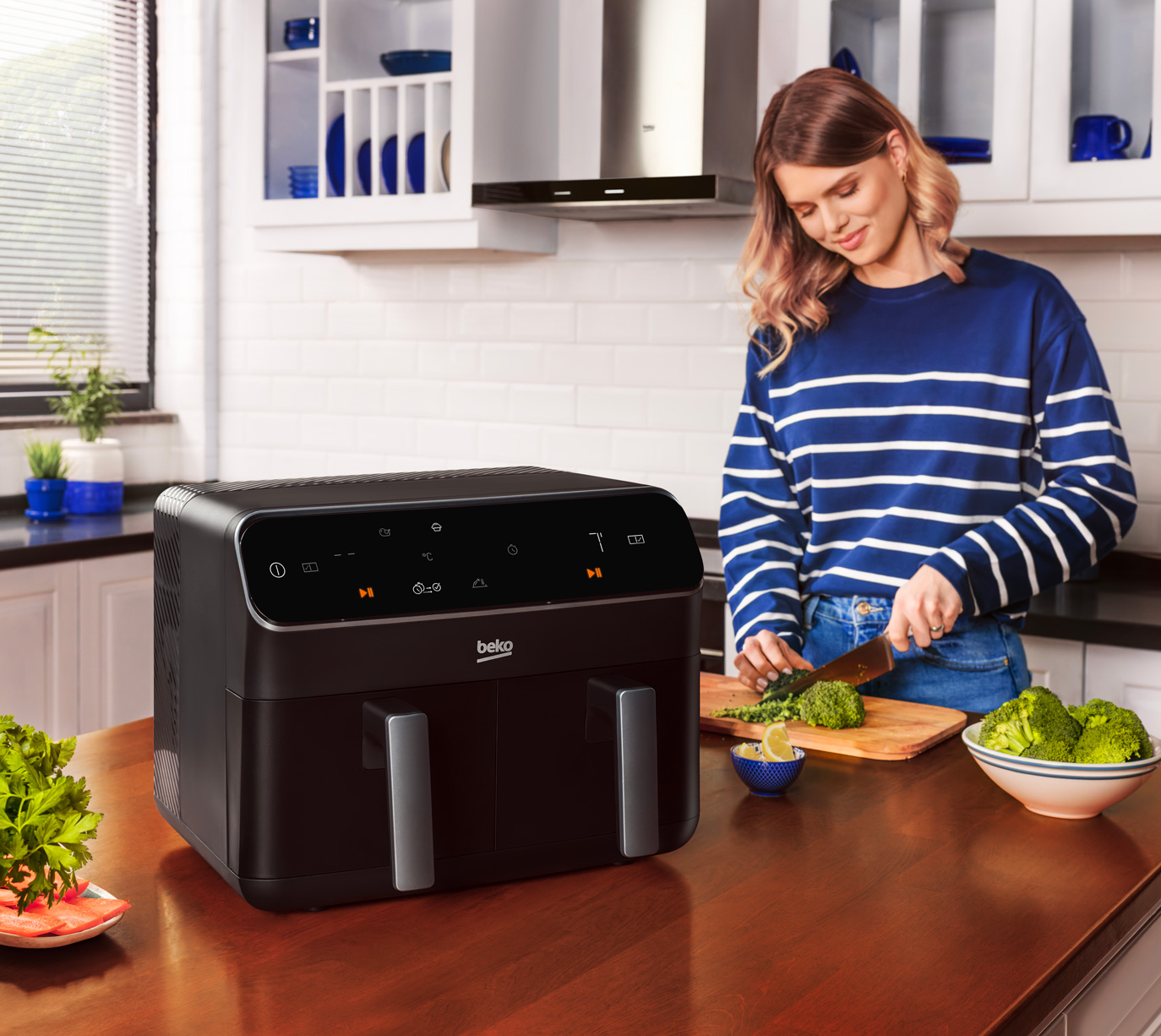
Use Match Cook when both baskets need the same temperature and cooking time. The general process is simple, but the control layout differs by brand and model.
Step-by-step instructions
-
Place the food in both baskets.
Spread the food in a fairly even layer. Avoid packing either basket tightly. -
Insert both baskets into the air fryer.
Make sure each basket is fully seated. Some models will not start if a basket is not in place. -
Select the first cooking zone.
Choose the left or right basket, depending on the control panel. -
Set the cooking function.
Select Air Fry, Roast, Bake, Reheat, or another available program. -
Set the temperature and time.
Use the temperature and time required for the food. In the United States, many air fryers display temperature in Fahrenheit. -
Press Match Cook.
The air fryer should copy the first zone’s cooking settings to the second zone. -
Press Start or begin cooking.
Some models start after you press Match Cook. Others require a separate Start button. -
Shake or turn the food when needed.
For even browning, shake small foods such as fries or vegetables. Use tongs for larger pieces. -
Check the food before serving.
Cooking time can change with food size, starting temperature, moisture, and basket load.
Signs that Match Cook worked
You likely selected the feature correctly if:
- Both cooking zones show the same temperature.
- Both zones show the same remaining time.
- The display indicates Match Cook or a similar symbol.
- Both baskets begin cooking under the same program.
- The air fryer does not show separate settings for each zone.
If only one basket starts, stop the unit and check the manual. The control sequence may require you to select both zones before pressing Match Cook.
When Should You Use Match Cook?
Match Cook works best when the two foods need nearly identical settings. It is especially useful when you are cooking the same food in both baskets.
Good examples include:
- French fries in both baskets
- Chicken wings with the same size and coating
- Frozen mozzarella sticks in two baskets
- Roasted vegetables with similar moisture levels
- Two portions of frozen fish sticks
- A larger batch of one food split between both zones
The feature can also work for different foods when they share the same cooking requirements. For example, breaded shrimp and chicken nuggets may cook at the same temperature and time, but you still need to check each food separately.
When Match Cook is not the best choice
Do not use Match Cook simply because both baskets are available. It may produce uneven results when the foods need different settings.
Choose separate controls or Smart Finish when:
- One food needs a lower temperature.
- One food cooks much faster.
- One basket contains fresh food and the other contains frozen food.
- One food needs frequent shaking or turning.
- One food is thick and the other is thin.
- One food releases much more moisture than the other.
- You are cooking a delicate food next to a food that needs high heat.
For example, salmon and frozen fries often need different cooking times. Match Cook may overcook the salmon or leave the fries underdone. Smart Finish is usually the better option because each basket can use its own program.
Does Match Cook Make Food Cook Twice as Fast?
No. Match Cook does not double the cooking speed. It only copies the settings to both baskets.
The main benefit is convenience and capacity. You can cook two matching portions at once without manually programming each zone. The food may still take about the same amount of time as it would in one basket.
A crowded basket can also slow cooking. Air fryers rely on hot air moving around the food. If food overlaps or fills the basket too deeply, the outside may brown while the center stays soft or cold.
For the best results:
- Leave space between pieces when possible.
- Cook in a shallow layer.
- Shake small foods during cooking.
- Avoid stacking thick foods unless the recipe allows it.
- Add time in short increments if the center is not done.
Match Cook controls the program, not the amount of food. Two full baskets may need more attention than one half-filled basket.
Match Cook Temperature and Time Examples
The correct setting depends on the food, its size, and whether it is fresh or frozen. The examples below are starting points, not guaranteed cooking instructions.
| Food | Possible starting temperature | Possible starting time | What to check |
|---|---|---|---|
| Frozen fries | 380–400°F | 15–25 minutes | Shake several times; look for crisp edges |
| Chicken wings | 375–400°F | 20–30 minutes | Check the thickest pieces |
| Frozen chicken nuggets | 375–400°F | 8–15 minutes | Confirm the center is hot |
| Broccoli or cauliflower | 375–400°F | 8–15 minutes | Check for tender stems and browned edges |
| Salmon portions | 375–400°F | 8–14 minutes | Check the thickest part for doneness |
| Reheated pizza | 325–375°F | 3–8 minutes | Check the crust and center |
These ranges vary by appliance and food. Follow the package directions for frozen foods when they provide air fryer instructions. If the package gives oven directions only, use them as a starting reference and watch the food closely.
For meat, poultry, and seafood, use a food thermometer rather than relying only on color. The U.S. Department of Agriculture recommends checking internal temperature in the thickest part of the food. Poultry should reach 165°F; ground meats generally need 160°F; and whole cuts of beef, pork, lamb, and veal should reach 145°F with a three-minute rest, according to USDA guidance.
Common Match Cook Problems and Fixes
Most Match Cook problems come from using the feature with foods that need different settings or from selecting the zones in the wrong order.
The second basket does not copy the settings
Possible causes include:
- Match Cook was not pressed after selecting the first zone.
- The model uses a different name for the feature.
- One basket is not fully inserted.
- The air fryer is already running.
- The selected program does not support Match Cook.
- The control panel requires both zones to be selected first.
Fix: Stop the program, select the first zone, enter the settings, select Match Cook, and then press Start. If that sequence fails, consult the model-specific manual.
One basket finishes before the other
This can happen even when both baskets show the same time. Food pieces may differ in size, moisture, thickness, or starting temperature.
Fix: Remove the finished food if it is done and continue cooking the other basket. Next time, cut the food into more even pieces or use separate zone settings.
The food is not crisp
Common causes include excess moisture, overcrowding, and too much oil.
Try these steps:
- Pat fresh food dry before cooking.
- Use a light coating of oil rather than soaking the food.
- Leave space around each piece.
- Shake the basket during cooking.
- Add two to five minutes if the food is cooked but not browned.
- Let fried food rest briefly on a rack instead of sealing it in a container right away.
Match Cook does not guarantee equal crispness. Different foods react differently to the same heat and airflow.
The food burns on the outside
The temperature may be too high, or the pieces may be too small for the selected time.
Lower the temperature, shorten the cooking time, or check the food earlier. Sugary sauces and marinades can also brown quickly. Add them near the end when the recipe allows.
The air fryer pauses or shows an error
Check that:
- Both baskets are fully inserted.
- The crisper plates are placed correctly.
- Nothing blocks the basket rails.
- The unit has enough space around its vents.
- The air fryer is connected to a suitable outlet.
Do not bypass a safety switch or continue using a unit with a damaged cord, melted plastic, or unusual electrical smell. Unplug it and contact the manufacturer or a qualified repair service.
Match Cook Safety Tips
Match Cook is a cooking convenience, not a food-safety setting. The air fryer does not know whether a chicken breast is safe to eat unless you check it.
Follow these basic practices:
- Use a clean food thermometer for meat, poultry, and seafood.
- Do not rely on the preset button alone.
- Keep raw poultry and meat separate from ready-to-eat foods.
- Wash hands and surfaces after handling raw food.
- Do not overfill either basket.
- Use heat-safe utensils when turning food.
- Keep the air fryer on a stable, heat-resistant surface.
- Leave the ventilation area clear.
- Do not place parchment paper or foil where it can touch the heating element.
- Use parchment only when the manufacturer allows it, and weigh it down with food.
- Clean grease and crumbs after the unit cools.
The USDA advises against using color, texture, or cooking time alone to judge whether meat is safe. A thermometer gives a more reliable check.
Is Match Cook Available on Every Air Fryer?
No. Match Cook is not a universal air fryer feature.
It is most closely associated with dual-basket models that can operate two cooking zones. A single-basket air fryer usually cannot use Match Cook because it has only one cooking chamber and one set of controls.
Other brands may use different names, including:
- Copy
- Sync settings
- Duplicate
- Dual-zone match
- Zone match
Some dual-basket models allow independent settings but do not offer a one-touch copy function. Before buying or using an air fryer, check the official product page or owner’s manual for these terms:
- Dual-zone cooking
- Independent temperature control
- Independent time control
- Match Cook
- Sync Finish or Smart Finish
The feature name and available cooking programs can change between models sold in the United States. The manual for your exact model is the most reliable source for button order and compatibility.

Match Cook vs. Using Two Separate Settings
The choice depends on whether both foods need the same treatment.
| Your cooking situation | Best option |
|---|---|
| The same food is in both baskets | Match Cook |
| Two foods need the same time and temperature | Match Cook may work |
| Foods need different times but should finish together | Smart Finish or Sync |
| Foods need different temperatures | Independent zone controls |
| Only one small portion is being cooked | One basket |
| One food needs a very different cooking method | Separate cooking cycles |
The key trade-off is control versus convenience. Match Cook is faster to set up, while independent settings give you more control over foods with different needs.
Key Takeaways
- Match Cook copies one basket’s temperature and time to the other basket.
- It is designed for dual-basket air fryers with two cooking zones.
- Use it for the same food or foods with similar cooking needs.
- Use Smart Finish or separate controls when the foods need different temperatures or times.
- Match Cook does not cook food twice as fast.
- Avoid overcrowding, and check meat with a food thermometer.
- The exact button sequence depends on the air fryer model.
Frequently Asked Questions
Can I use Match Cook for two different foods?
Yes, if both foods can cook at the same temperature and for about the same length of time. Check each food separately because different shapes, moisture levels, and thicknesses can change the result.
Does Match Cook start both baskets at the same time?
Usually, yes. On many dual-zone air fryers, Match Cook gives both baskets the same program and starts them together. The exact behavior depends on the model.
What is better: Match Cook or Smart Finish?
Match Cook is better for matching settings. Smart Finish is better when the foods need different settings but you want them to finish at the same time.
Can I change the time after using Match Cook?
On many models, you can adjust a zone after selecting Match Cook, but doing so may turn the two zones into separate programs. Check the display to confirm whether both zones still show the same settings.
Why is one basket more cooked than the other?
The baskets may have different amounts of food, or the pieces may vary in size and moisture. Airflow can also differ between zones. Shake the food, leave more space, and adjust the time for the basket that needs more cooking.
Do I need to preheat before using Match Cook?
Only if your recipe or air fryer manual calls for preheating. Some air fryers heat during the first part of the cycle, while others provide a separate preheat instruction. Follow the manual for your model.
Conclusion
Match Cook is a dual-basket air fryer feature that copies the same temperature and cooking time to both zones. It is useful for cooking two batches of the same food or foods with nearly identical needs.
For different foods, do not assume one setting will produce the best result. Use Smart Finish or independent controls when cooking times, temperatures, or food thicknesses vary. Always check the food itself, and use a thermometer for meat, poultry, and seafood.