Why Does My Ninja Air Fryer Say Pot: Easy Fix
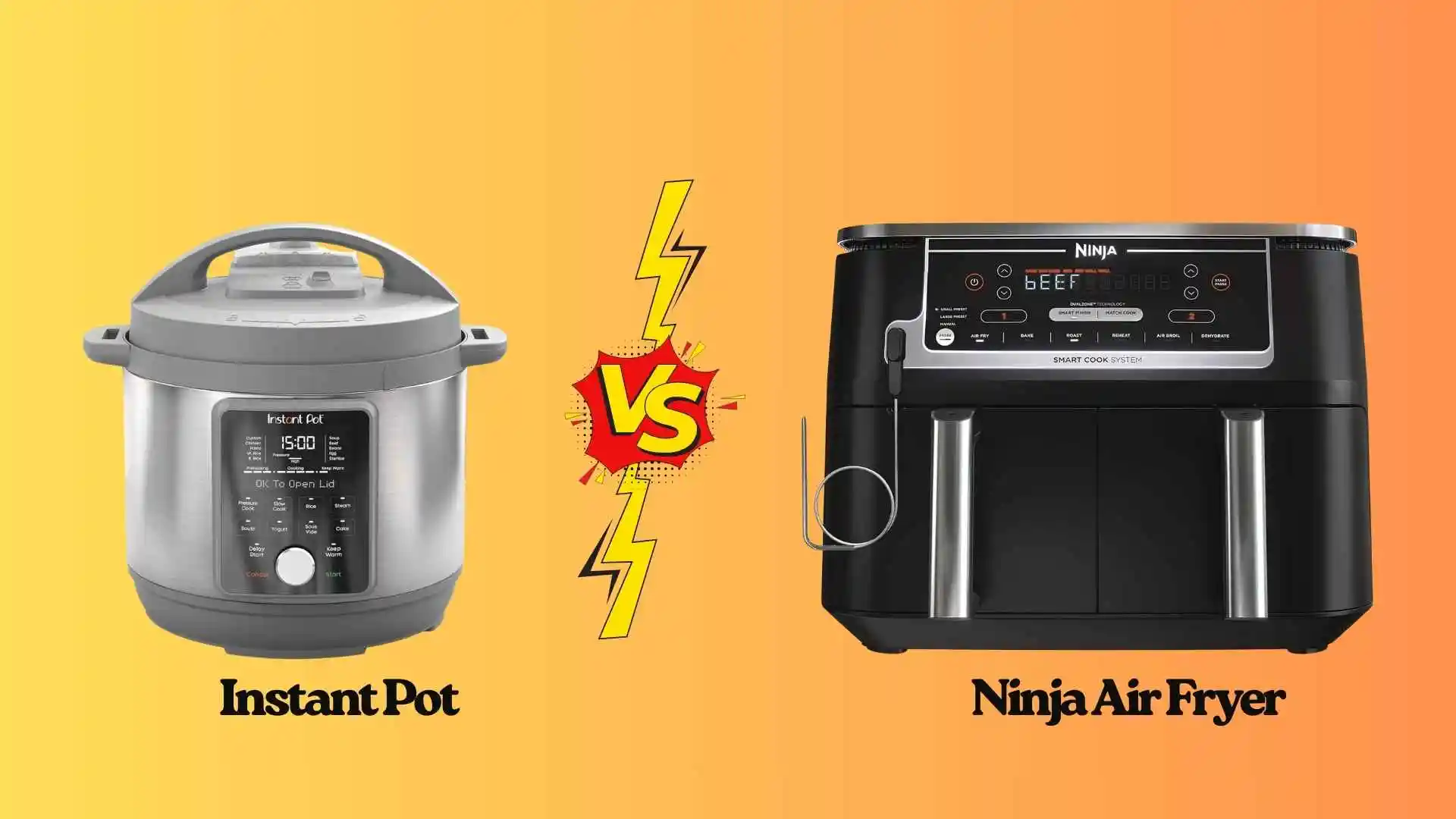
If your Ninja air fryer says “POT,” “ADD POT,” or “POT ERROR,” it usually cannot detect the cooking pot or basket. This is most common on Ninja Foodi multi-cookers, which use a removable inner pot and a separate air-fry basket. The message often means the pot is missing, not seated correctly, or blocked by food or debris.
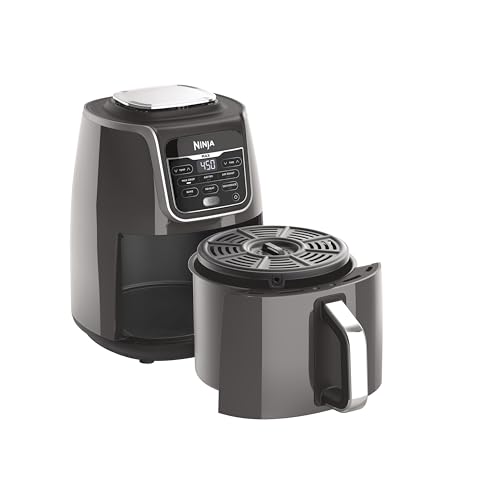
For a standard Ninja air fryer with only a drawer and basket, “POT” is less typical. In that case, the display may point to a model-specific issue, a control error, or a problem with the basket-detection switch. Check your exact model manual before using the appliance.
This guide explains what the message means, how to clear it safely, and when to stop troubleshooting.

What Does “POT” Mean on a Ninja Air Fryer?
“POT” means the appliance does not sense the removable cooking pot in the correct position. The message is a safety check. Ninja Foodi models use sensors and switches to confirm that key parts are installed before they heat or pressurize.
The most common causes are:
- The inner cooking pot is missing.
- The pot is not fully seated.
- The air-fry basket is being used without the inner pot.
- Food or grease is under the pot.
- The basket or pot is not the correct part for the model.
- The lid or basket is not positioned for the selected cooking mode.
- The appliance needs to be reset.
- A sensor or switch may be damaged.
A Ninja Foodi is not the same as a basic drawer-style air fryer. A basic air fryer usually has a removable basket and drawer. A Foodi multi-cooker often has an outer cooker base, inner cooking pot, crisper basket, pressure lid, and air-fry lid. The display may refer to the inner vessel as the “pot,” even when you are air frying.
Ninja manuals commonly show that the inner pot must sit inside the cooker base before cooking. The exact display message and part names vary by model.

How to Fix a Ninja Showing “POT” or “ADD POT”
Follow these checks in order. Stop if the appliance smells burnt, shows melted plastic, has a damaged cord, or trips a circuit breaker.
1. Turn the appliance off and unplug it
Press the power button, then unplug the cooker from the wall. Let it cool if it was recently used.
Do not reach into the appliance while it is hot. If you used pressure cooking, wait until all pressure has released before opening the lid. Never force open a locked pressure lid.
2. Confirm that the inner cooking pot is installed
Remove the air-fry basket, if present. Place the removable inner pot directly into the cooker base.
The pot should sit level and make full contact with the base. It should not rock, tilt, or stop above the rim.
For a Ninja Foodi, the correct arrangement for air frying is usually:
- Outer cooker base
- Removable inner cooking pot
- Crisper basket inside the pot
- Air-fry or crisping lid closed, depending on the model
Do not place the crisper basket directly into the outer base unless your manual specifically says to do so.
3. Check for food, liquid, or grease under the pot
Remove the inner pot and inspect the bottom of both the pot and the cooker base.
Wipe away:
- Crumbs
- Grease
- Starch or sauce
- Water
- Small pieces of food
- Packaging material or labels
Use a soft, slightly damp cloth on the cooker base. Do not pour water into the base or immerse the electrical unit.
Dry all parts before putting them back. A small obstruction can keep the pot from sitting low enough to activate the detection switch.
4. Reinstall the pot firmly
Place the inner pot back into the base. Turn it slightly until it settles into position, but do not force it.
Check the rim. The pot should sit evenly around the base. If one side is high, remove it and inspect the bottom again.
5. Check the basket and lid
If the message appears during air frying, remove and reinstall the crisper basket. Make sure it is not upside down or resting unevenly inside the pot.
Then close the air-fry lid or attach the correct lid for your model. Some Ninja Foodi models will not start until the lid is in the right position for the selected function.
A pressure lid may also need to be removed for certain crisping functions. Follow the labels on the appliance and the instructions for your exact model.
6. Select the cooking function again
After reinstalling the parts, plug the unit in and choose the desired function. Set the time and temperature again.
If the message disappears and the unit begins heating, the problem was likely poor seating or a blocked contact point.
7. Try a full power reset
If “POT” remains on the screen:
- Press the power button.
- Unplug the appliance.
- Leave it unplugged for about 5 to 10 minutes.
- Reconnect it directly to a wall outlet.
- Reinstall the inner pot and basket.
- Select the cooking program again.
Avoid using a damaged extension cord or an overloaded power strip. High-wattage kitchen appliances should use a suitable outlet that can support the appliance load.
8. Test the appliance without food
If the pot is clean and correctly installed, run a brief test with no food. Use only the function and setup allowed by your manual.
If the message clears and the appliance starts, stop the test if you notice unusual heat, smoke, sparks, or a burning smell. Do not continue using the unit if the error returns during normal setup.

Why Does “POT” Appear When the Pot Is Already Inside?
The appliance may still show “POT” because it detects position, not simply presence. A pot can be inside the base but fail to trigger the sensor if it is tilted, dirty, damaged, or not the correct part.
The most likely explanations are below.
The pot is not fully seated
This is the simplest cause. Grease or crumbs under the pot can raise it slightly. A bent base or dented pot can cause the same problem.
The wrong accessory is installed
Ninja makes several Foodi models with parts that look similar. A pot from another model may fit loosely but fail to activate the sensor or may create a safety risk.
Use the model number printed on the appliance to confirm replacement-part compatibility. Do not assume that every Ninja Foodi pot or basket is interchangeable.
The basket is being used without the inner pot
The crisper basket is normally designed to sit inside the removable cooking pot. The outer cooker base is not a substitute for the inner pot.
If the display says “ADD POT,” install the inner pot first. Then place the basket inside it.
The appliance is in the wrong mode
Some Foodi models use different lids and vessel arrangements for pressure cooking, slow cooking, steaming, baking, and air frying.
A lid or accessory that works for one program may not work for another. Read the markings on the lid and check the model-specific instructions.
The sensor or switch is faulty
If the message remains after cleaning, correct assembly, and a power reset, the detection system may have failed. Possible issues include:
- A stuck sensor
- A damaged switch
- A loose internal connection
- A warped pot
- Damage to the cooker base
Do not disassemble the cooker base. The unit contains electrical parts and may also contain heat-producing components.
Quick Troubleshooting Table
Use this table to match the symptom with the most likely cause and next step.
| Symptom | Likely cause | What to do |
|---|---|---|
| “ADD POT” appears immediately | Inner pot is missing | Install the correct inner pot |
| “POT” appears after cleaning | Pot is damp or not seated | Dry it and reinstall it level |
| Message appears only with the basket | Basket is misaligned or in the wrong vessel | Place the basket inside the inner pot |
| Message appears with a replacement pot | Part may be incompatible | Verify the model and replacement part |
| Error clears after wiping the base | Debris blocked contact | Keep the pot and base clean and dry |
| Error remains after a reset | Possible sensor or hardware fault | Stop use and contact Ninja support |
| Standard drawer air fryer shows “POT” | Model-specific display or fault | Check the exact manual and model number |
| Error appears with smoke or burning odor | Electrical or heat-related fault | Unplug it and do not use it |
The key distinction is whether the message disappears after correct assembly. If it does, the issue was likely setup-related. If it does not, repeated resets are unlikely to solve a mechanical or electronic fault.
What Not to Do When Your Ninja Says “POT”
Do not bypass, tape down, press, or remove the pot-detection switch. That safety system helps confirm that the cooking vessel is installed correctly.
Avoid these common mistakes:
- Do not operate the unit without the required inner pot.
- Do not force a pot into the base.
- Do not use a pot with a deep dent, cracked coating, or damaged rim.
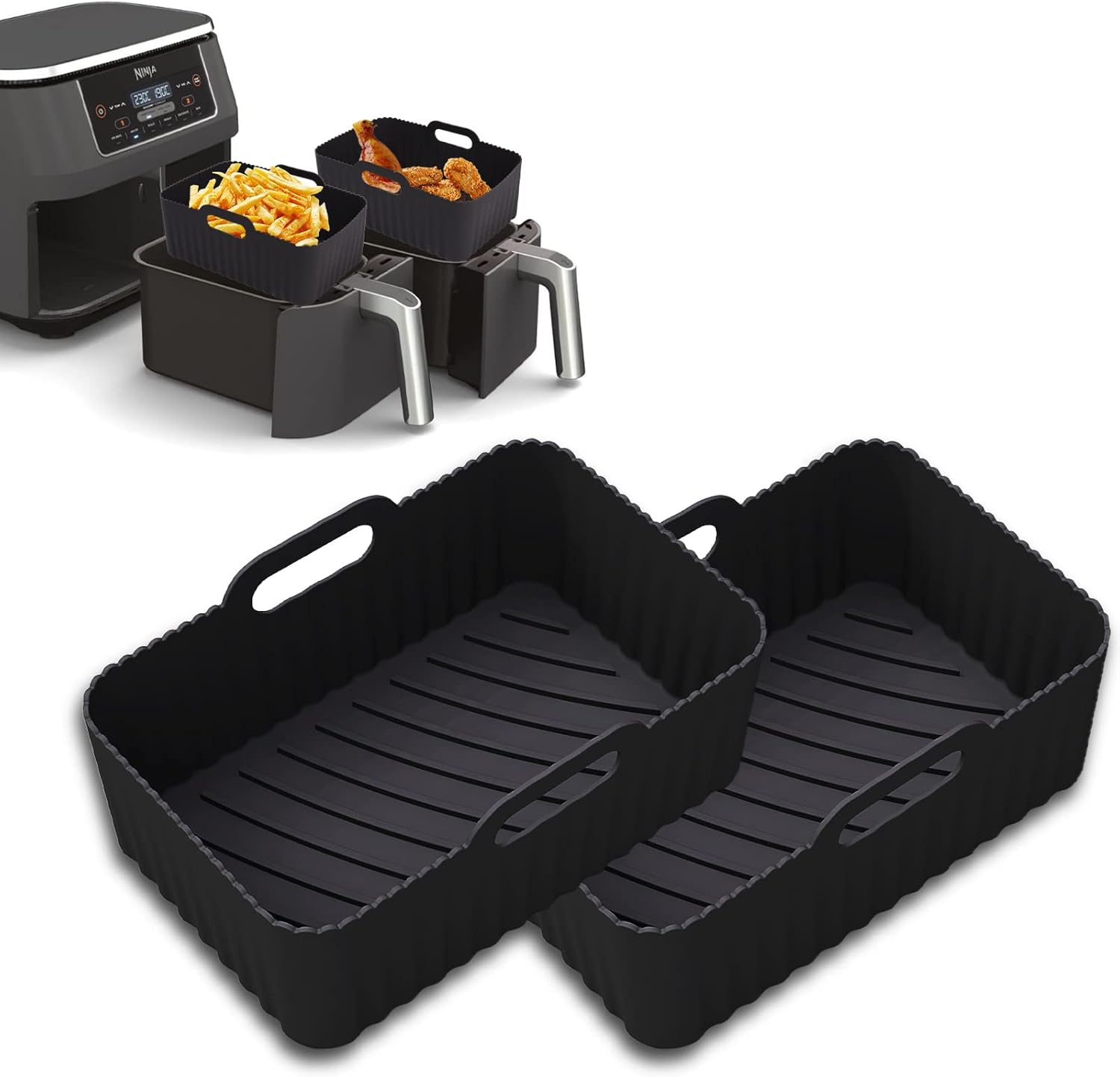
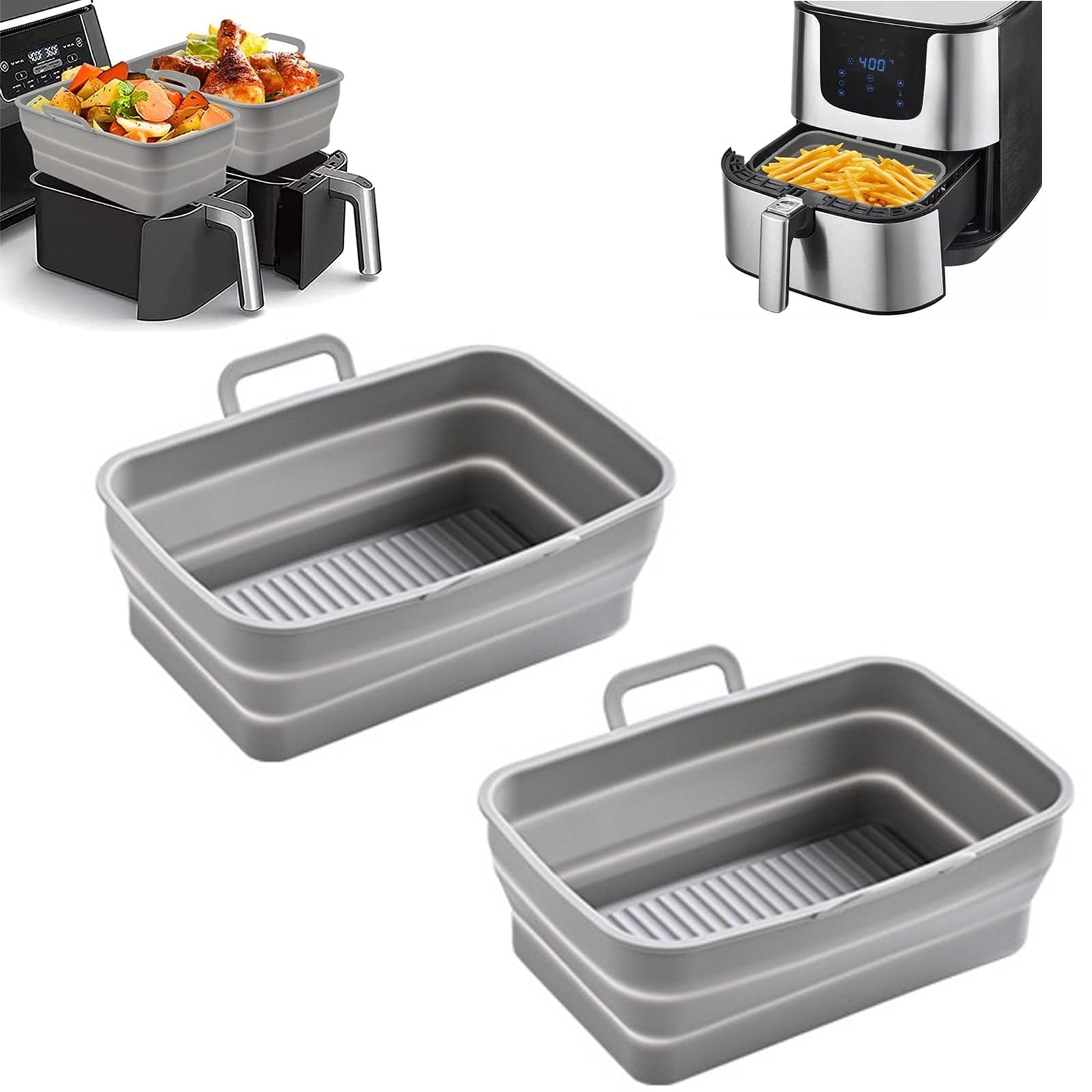
- Do not place foil, parchment, or a silicone mat under the inner pot.
- Do not pour water into the cooker base.
- Do not open a pressure lid while pressure remains.
- Do not use an accessory that is not listed for your model.
- Do not keep using the appliance if it sparks, smokes, or trips the breaker.
A small amount of oil or food residue inside the removable pot is normal during cooking. Residue on the bottom of the pot or inside the cooker base is different because it can affect seating and sensor contact.
When Should You Contact Ninja Support?
Contact Ninja support or an authorized service provider if the “POT” message remains after you have completed the safe checks.
You should also stop using the appliance if:
- The inner pot rocks or will not sit level.
- The cooker base is cracked or warped.
- The cord or plug is damaged.
- The unit produces smoke or sparks.
- The display flashes unrelated error codes.
- The appliance heats without the correct parts installed.
- The message appears every time, even with the correct clean pot.
- A replacement pot does not fit as described in the manual.
Have the following information ready:
- Exact model number
- Serial number, if available
- Date and place of purchase
- The displayed message
- Steps you already tried
- Photos of the pot and cooker base, if support requests them
Use the official Ninja support page and the manual for your model. The wording “POT” can mean slightly different things across Ninja Foodi pressure cookers, indoor grills, ovens, and air-fryer models.

Can You Still Use the Air Fryer Without the Pot?
Usually, no. If your Ninja Foodi model requires the inner pot for air frying, do not use the crisper basket directly in the outer base.
The inner pot supports the basket and helps the appliance detect the correct setup. It may also collect oil and food drips. Removing it can lead to poor airflow, contamination of the heating area, or unsafe operation.
A standard Ninja drawer air fryer may not have a separate inner pot. The correct setup depends on the model, so identify the model number before treating the appliance like a different Ninja product.
Does “POT” Mean the Food Is Overcooked?
No. “POT” generally refers to the appliance setup, not the food’s cooking level.
If the message appears while food is inside, turn the appliance off and inspect the pot, basket, and base after the unit cools. Do not keep restarting the program without finding the cause.
Why Does My Ninja Say “POT” After I Wash the Parts?
Moisture or residue may prevent the pot from sitting correctly. Dry the outside bottom of the pot and the inside of the cooker base before reassembly.
Never immerse the electrical cooker base. Wash only the removable parts in the way allowed by your model’s manual.
Is “POT” the Same as “ADD POT”?
Usually, both messages point to the same basic condition: the appliance does not detect the required cooking pot. The exact wording depends on the model and software.
The manual for your model is the final reference because Ninja uses different displays and accessories across its product lines.
How Do I Find My Ninja Air Fryer Model Number?
Look for a label on the back, bottom, side, or power cord area of the appliance. The model number may include letters and numbers.
You can then search the official Ninja support site for the matching owner’s guide. Use that guide to confirm the correct pot, basket, lid, cleaning method, and cooking setup.
Can I Fix a Faulty Pot Sensor at Home?
No. Basic cleaning and correct assembly are reasonable user checks. Opening the cooker base or altering the sensor is not a safe repair.
If the error continues, request support, warranty service, or professional repair. Replacing the correct removable pot may solve the issue if the original pot is warped, but the part must be confirmed as compatible.
Conclusion: The Fastest Safe Fix
A Ninja air fryer or Foodi that says “POT” usually does not detect the inner cooking pot in the required position. Unplug the appliance, let it cool, install the correct pot, clean and dry the contact areas, check the basket and lid, and try a short reset.
If the message remains with a clean, correctly seated pot, stop using the appliance and contact Ninja support. Do not bypass the detection system or operate a Foodi without the vessel required by its manual.
The best next step is to locate the exact model number and follow its official owner’s guide, because Ninja’s pot, basket, lid, and sensor setup varies by model.