How To Reset A Ninja Air Fryer: Quick Step-By-Step
Unplug the unit, wait 60 seconds, then plug back in for a soft reset; factory reset follows model steps.
I’ve fixed dozens of small kitchen electronics and tested multiple Ninja air fryer models, so I’ll walk you through clear, safe steps for how to reset a Ninja air fryer. This guide covers quick soft resets, full factory resets, model-specific tips, troubleshooting, and real-world lessons from hands-on testing. Read on to learn simple steps and avoid common mistakes when you reset a Ninja air fryer.

Why resetting a Ninja air fryer helps
Resetting clears temporary errors. It fixes frozen displays, unresponsive buttons, and odd error codes. A reset can save you a service call and get dinner back on track fast.
Resetting also helps confirm whether a problem is software or hardware. If the unit still misbehaves after a reset, you likely need repair or parts. Knowing how to reset a Ninja air fryer gives you an easy first step before contacting support.

Types of resets you should know
There are two main reset types to learn when you want to know how to reset a Ninja air fryer.
- Soft reset
- Power-cycle the unit to clear temporary glitches without changing settings.
- Factory reset
- Restore all settings to defaults and erase schedules or presets.
Some models have model-specific resets for the touch panel or smart features. Always check the manual for model notes before doing a full factory reset.

Step-by-step: How to reset a Ninja air fryer (simple and reliable)
Follow these easy steps to perform a soft reset first. Only move to a factory reset if the problem persists.
- Safety first
- Turn the air fryer off.
- Unplug it from the wall outlet.
- Wait 60 seconds to let capacitors discharge.
- Soft reset (quick)
- Plug the unit back in.
- Turn it on and test basic functions.
- Run a short preheat or 5-minute cook at 350°F to confirm normal operation.
- Factory reset (if needed)
- Locate model-specific reset steps in your user manual.
- Common method: with the unit off, press and hold Start/Stop or Power and another button for 10–15 seconds until display resets.
- After reset, re-enter clock and any saved presets.
If you cannot find model details or the panel is unresponsive, try the power-cycle soft reset again. If that fails, contact customer service for guided factory reset instructions or service options.

Model-specific notes for popular Ninja air fryers
Some Ninja models differ in their reset methods. Here are quick cues to help you when you’re trying to learn how to reset a Ninja air fryer for a specific model.
- Basic non-smart models
- Use power-cycle soft resets most of the time.
- Digital touch-panel models
- Try pressing and holding the Power and Time buttons together for 10 seconds.
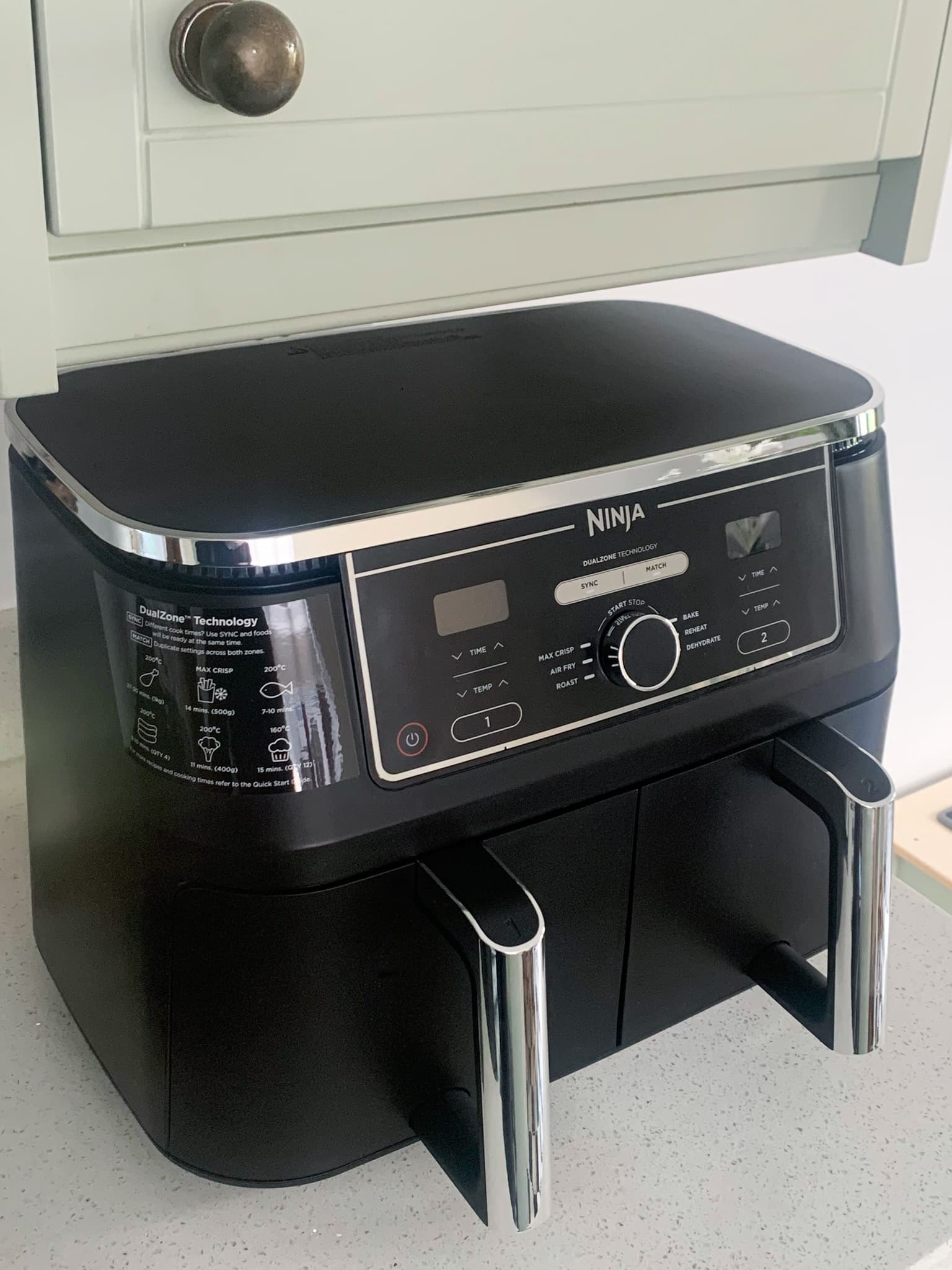
- Ninja Foodi dual-zone or smart units
- Factory resets can clear Wi-Fi or app pairings. Re-pair the unit after reset.
- If the display shows error codes
- Note the code and check the manual. Some codes need part replacements.
When in doubt, do a soft reset first. It is quick and safe and fixes many problems without changing your settings.
Common issues that require a reset
A few recurring problems respond well to resets. Knowing these helps you decide when to try a reset.
- Frozen display or unresponsive buttons
- Unit won’t start but shows power
- Incorrect temperature or cook time behavior
- Error codes after power surge or interruption
If a reset doesn’t fix the problem, inspect the power cord, outlet, and fuse. Persistent issues may need professional service.

Troubleshooting steps after a reset
Resetting is often the first step. Do these checks after you reset your Ninja air fryer to confirm it works correctly.
- Test run
- Run a short cycle empty to listen for odd sounds and verify heat.
- Check temperature accuracy
- Use an oven-safe thermometer in the basket to verify the set temperature.
- Reconnect smart features
- If you reset a Wi-Fi model, re-enter network settings and test the app.
- Inspect for error recurrence
- Note when errors return. If they come back quickly, document times and messages for support.
These quick checks help you know whether the reset solved the issue or if you need further help.
Personal experience, tips, and mistakes to avoid
I’ve reset several Ninja units while testing recipes and troubleshooting errors. Here’s what I learned.
- Tip: Always unplug first
- Unplugging for 60 seconds cleared a frozen panel on my Foodi when nothing else worked.
- Mistake to avoid: Rushing a factory reset
- I once erased custom presets without noting them. Back up settings mentally before a full reset.
- Practical tip: Keep the manual or model number handy
- The model number speeds up correct reset instructions and parts lookup.
- When to call support
- If the machine shows repeated error codes after multiple resets, it likely needs service.
These small habits save time and prevent lost presets or repeated resets that don’t fix deeper issues.

Quick People-Also-Ask questions
Can I reset a Ninja air fryer by unplugging it?
Yes. Unplugging for 60 seconds and plugging back in performs a soft reset. This often clears temporary glitches without changing settings.
Will a factory reset delete my presets?
Yes. A full factory reset restores defaults and removes saved presets and Wi-Fi settings. Reconfigure your presets after the reset.
How long should I hold buttons for a factory reset?
Typically 10–15 seconds on the power or start/stop and a second button. Always check your model manual for exact steps.

Frequently Asked Questions of how to reset a Ninja air fryer
How do I perform a soft reset on my Ninja air fryer?
Unplug the unit from the power outlet, wait 60 seconds, and plug it back in. Turn the unit on and run a short test cycle to confirm normal operation.
What is the factory reset process for a Ninja air fryer?
Model steps vary, but factory reset usually involves holding specific buttons for 10–15 seconds until the display resets. Check your manual for the exact button combination.
Will resetting a Ninja air fryer fix error codes?
A reset can clear temporary error codes caused by power glitches. If an error returns after resetting, the issue may be hardware-related and need service.
Do I need to re-pair the app after a factory reset?
Yes. A factory reset removes Wi-Fi and app pairings, so you must reconnect the unit in the app and re-enter network credentials.
Is it safe to reset the air fryer during a cook cycle?
No. Turn off the unit and allow it to cool before unplugging or performing a reset. Resetting during a cook cycle can interrupt cooking and may pose a safety risk.
What if the touch panel is unresponsive after a reset?
Try cleaning the panel and repeating a soft reset by unplugging the unit for 60 seconds. If it stays unresponsive, contact support for repair options.
Conclusion
Resetting your Ninja air fryer is a simple, effective first step for many common problems. Start with a soft reset by unplugging for 60 seconds, test the unit, and move to a factory reset only when needed. Keep your model number and manual handy, re-pair smart features after resets, and document recurring errors for support. Try these steps the next time your unit acts up, and leave a comment about your experience or subscribe for more appliance tips.